Switch by looking
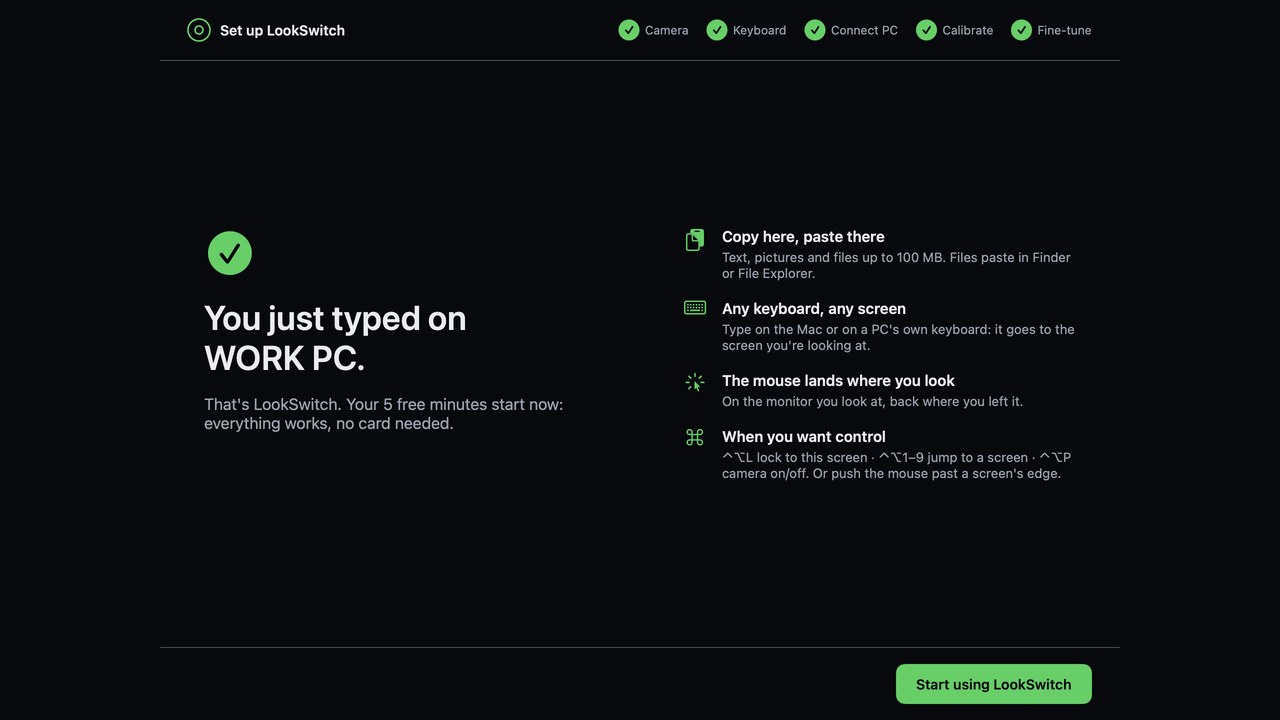
Look at a screen and your keyboard and mouse are on that computer. No hotkey, no screen edge.
Guide
Two computers on one desk, one keyboard and mouse you'd rather not juggle. LookSwitch is software KVM that switches when you look at the other screen.
macOS 14+ on Apple silicon · Windows 10 and 11 · Free to try
Look at a screen and your keyboard and mouse are on that computer. No hotkey, no screen edge.
Copy on one computer, look at the other, paste. Text, pictures and files up to 100 MB.
Type on whichever keyboard is closest; it goes to the screen you look at.
No picture saved or sent. Each PC has its own key. No account.
No. Each monitor stays plugged into its own computer. Only the keyboard, mouse and clipboard move.
Yes. Pair as many PCs as you have; every monitor on every computer gets its own number.
Mac and Windows keyboard sharing that switches by looking, not screen edges.
Share a keyboard, mouse and clipboard between Windows PCs and a Mac.
Universal Control-style keyboard and mouse sharing between a Mac and a PC.
The short animations that show where your mouse landed.
Download LookSwitch for Mac, open the .dmg and drag LookSwitch into Applications. Setup takes about three minutes.
macOS 14+ on Apple silicon · Windows 10 and 11 · Free to try